
A Beginner’s Guide to DIALux EVO for Lighting Design
DIALux EVO is the world’s most widely used professional lighting design and simulation software. Developed by DIAL GmbH in Germany, it is trusted by lighting designers, electrical engineers, and architects globally to plan, calculate, and visualise lighting schemes for virtually every type of building and outdoor space.
If you are new to DIALux EVO — or considering adopting it for your lighting design workflow — this beginner’s guide will walk you through the essentials and help you get started with confidence.
What is DIALux EVO?
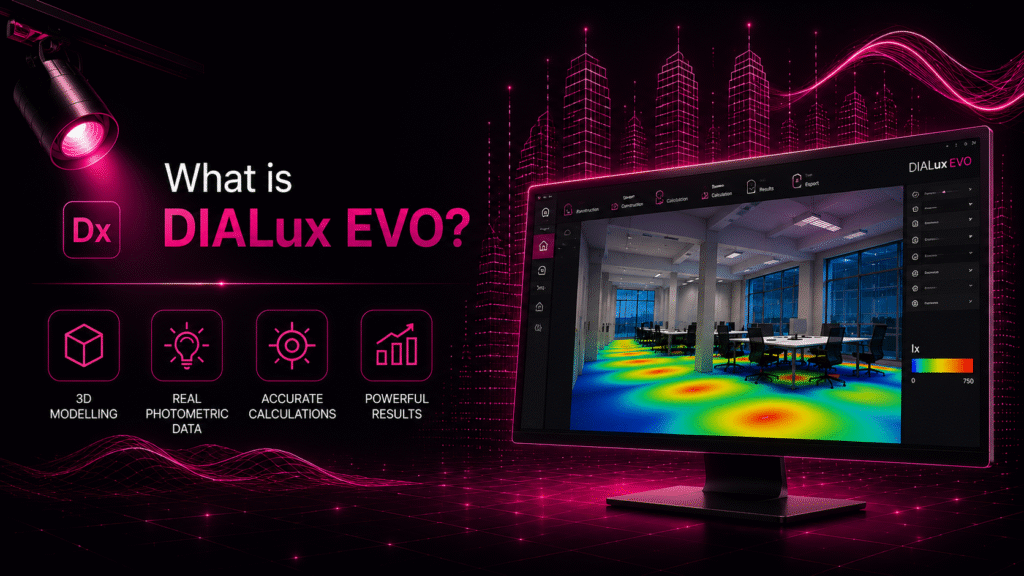
DIALux EVO is a free, standalone lighting design software application that allows designers to create 3D models of architectural spaces, populate them with lighting fixtures using real photometric data, and calculate detailed lighting performance metrics including lux levels, uniformity ratios, glare indices, and energy consumption.
The ‘EVO’ version of DIALux — first released in 2012 and continuously updated since — offers a significantly more powerful and intuitive interface than its predecessor, with advanced 3D modelling capabilities, support for imported architectural geometry, and integration with thousands of lighting manufacturer product databases.
Key Features of DIALux EVO
- 3D Building Modeller: Create multi-room, multi-floor building models directly in DIALux, or import architectural geometry from DWG, DXF, IFC, or SKP files.
- Manufacturer Luminaire Databases: Access photometric data from thousands of lighting manufacturers directly within the software, using the DIAL+ luminaire plugin.
- Accurate Photometric Calculations: Calculate average, minimum, and maximum lux levels, uniformity ratios, and glare indices (UGR) using real manufacturer IES or LDT photometric files.
- Daylight Siulationm: Model the contribution of natural daylight using real geographic and astronomical data, enabling integrated daylighting and artificial lighting analysis.
- Energy Calculation: Calculate installed power density and estimated annual energy consumption in accordance with energy standards.
- Professional Reports: Generate comprehensive, professionally formatted simulation reports suitable for client presentations, tender documents, and regulatory submissions.
- Outdoor Lighting: Design and calculate street lighting, area lighting, sports lighting, and facade lighting for exterior applications..
Getting Started with DIALux EVO: A Step-by-Step Overview
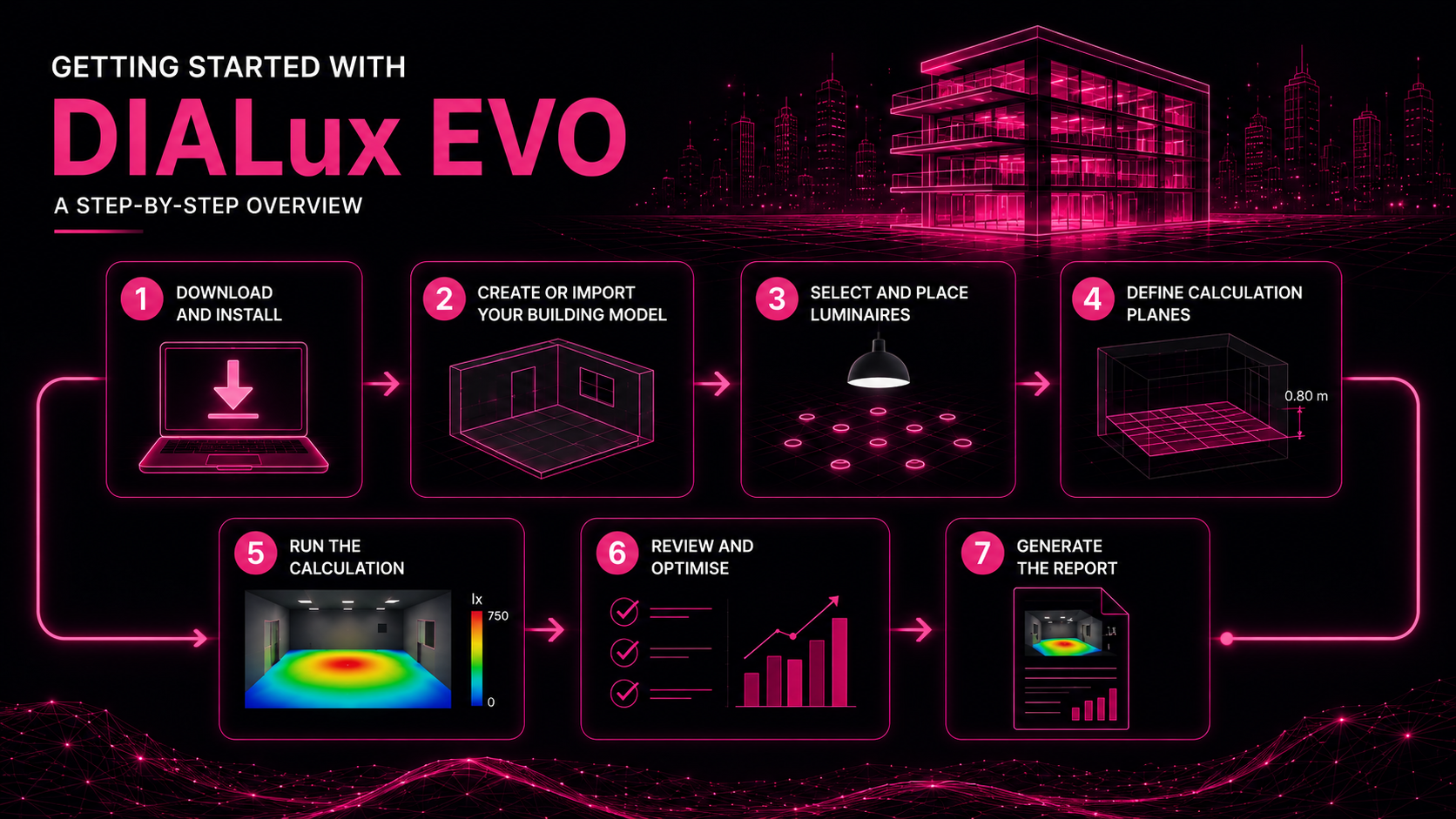
Step 1: Download and Install
DIALux EVO is completely free to download and use. Visit the DIAL website to download the latest version. Installation is straightforward on Windows-based PCs.
Step 2: Create or Import Your Building Model
Start by creating a new project and either building your room or building directly in DIALux using its 3D modelling tools, or importing an architectural file (DWG or IFC) from your CAD or BIM software. Define room dimensions, ceiling heights, floor and ceiling finishes, and wall materials — all of which affect the photometric calculations.
Step 3: Select and Place Luminaires
Use the DIAL+ plugin to browse and select luminaires from manufacturer databases, or import your own IES or LDT photometric files. Place luminaires individually or use DIALux’s automated placement tools to distribute fixtures evenly across a space.
Step 4: Define Calculation Planes
Set up calculation planes — virtual horizontal or vertical grids — at the relevant heights (typically 0.8m above floor level for a working plane) where you want DIALux to calculate lux levels.
Step 5: Run the Calculation
Run the photometric calculation. DIALux will compute lux levels, uniformity ratios, and other metrics across the defined calculation planes. Results are displayed as numerical values and false-colour plans.
Step 6: Review and Optimise
Review the results against the required lighting standards for your project type (EN 12464-1 for indoor workplaces, for example). Adjust fixture positions, types, or quantities as needed to achieve the required performance targets.
Step 7: Generate the Report
Once the design is optimised, generate a DIALux project report. This comprehensive document includes the 3D visualisation, false-colour lux plans, calculation results tables, and fixture schedules — providing all the documentation needed for client approval and regulatory compliance.
How Lumigraphics Uses DIALux EVO for Client
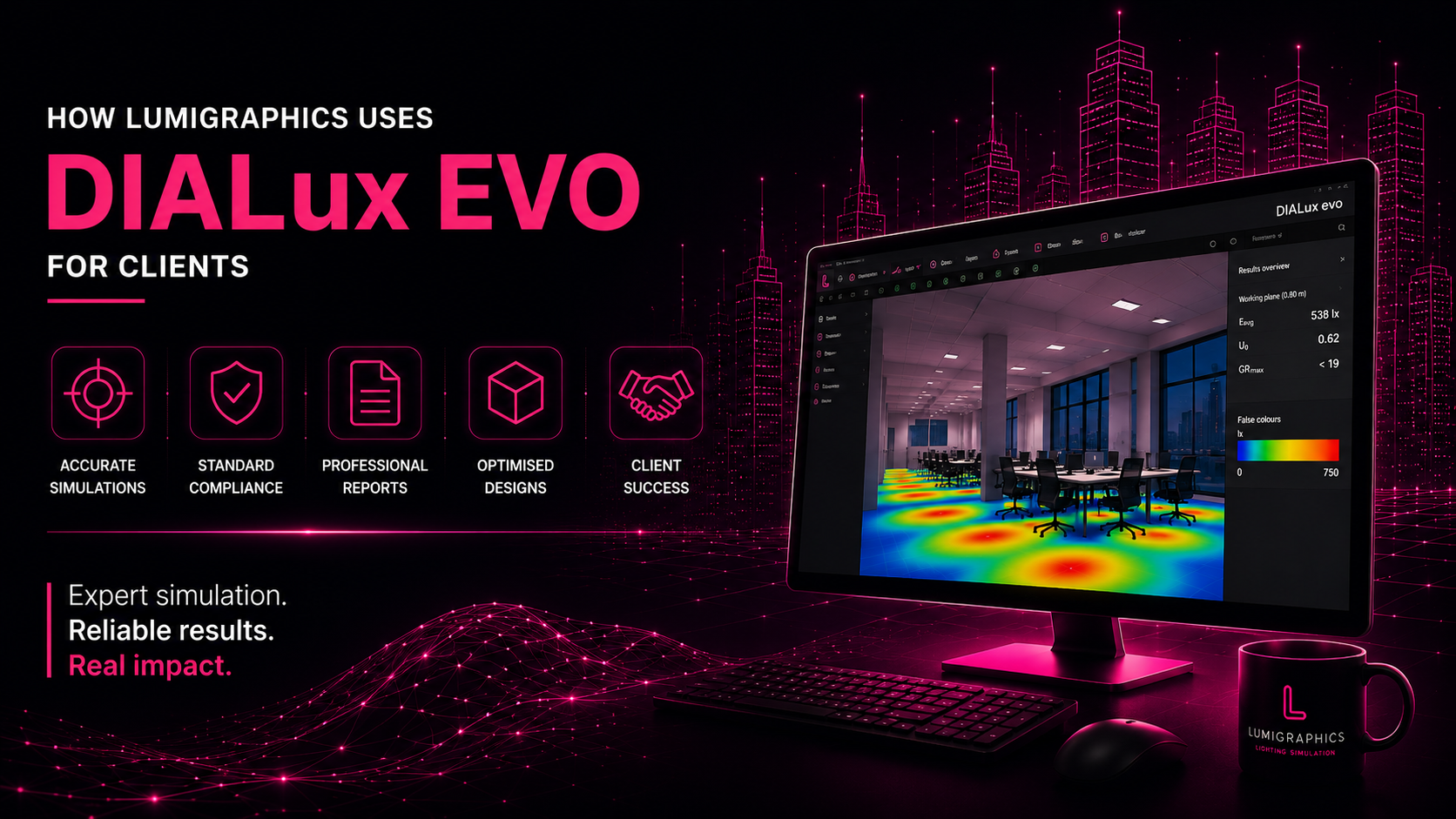
At Lumigraphics, DIALux EVO is a central tool in our lighting simulation service offering. Our experienced simulation specialists use DIALux EVO to model complex architectural spaces, optimise lighting layouts, validate compliance with international standards, and produce professional-grade simulation reports that support client approvals and project delivery.
Whether you need simulation support for a single room or a multi-building complex, Lumigraphics has the expertise to deliver accurate, actionable results efficiently and reliably.
Conclusion
DIALux EVO is an indispensable tool for any serious lighting design professional. Its combination of powerful photometric calculation, 3D visualisation, daylight simulation, and professional reporting makes it the gold standard for lighting design software worldwide. Best of all, it is completely free — making it accessible to designers at every level of experience and budget.
Need expert DIALux simulation support for your project? Contact Lumigraphics today — our simulation specialists are ready to help.